Overflow Marking System
When staff members fall behind or go on leave, overdue tasks automatically transition to the shared Overflow Queue.
How Overflow Works
When a task submitted for feedback exceeds the configured Overflow Threshold (e.g., 5 days post-submission) the task appears in the shared Overflow Inbox accessible to all staff with Overflow Marking enabled.
Step-by-step instructions
How to Claim a Task:
- Navigate to Overflow
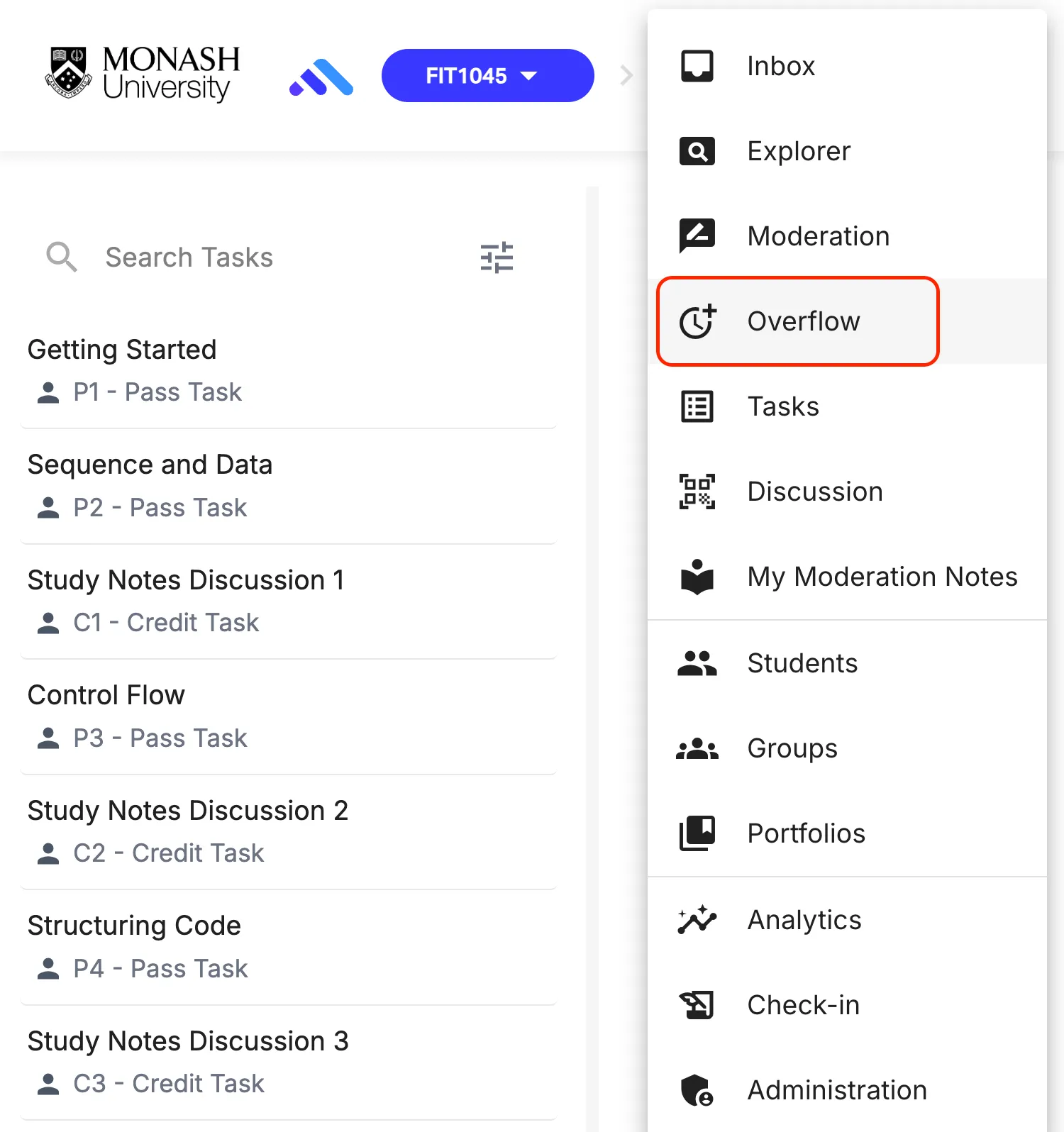
- Select a task from the shared queue and click Claim Task.
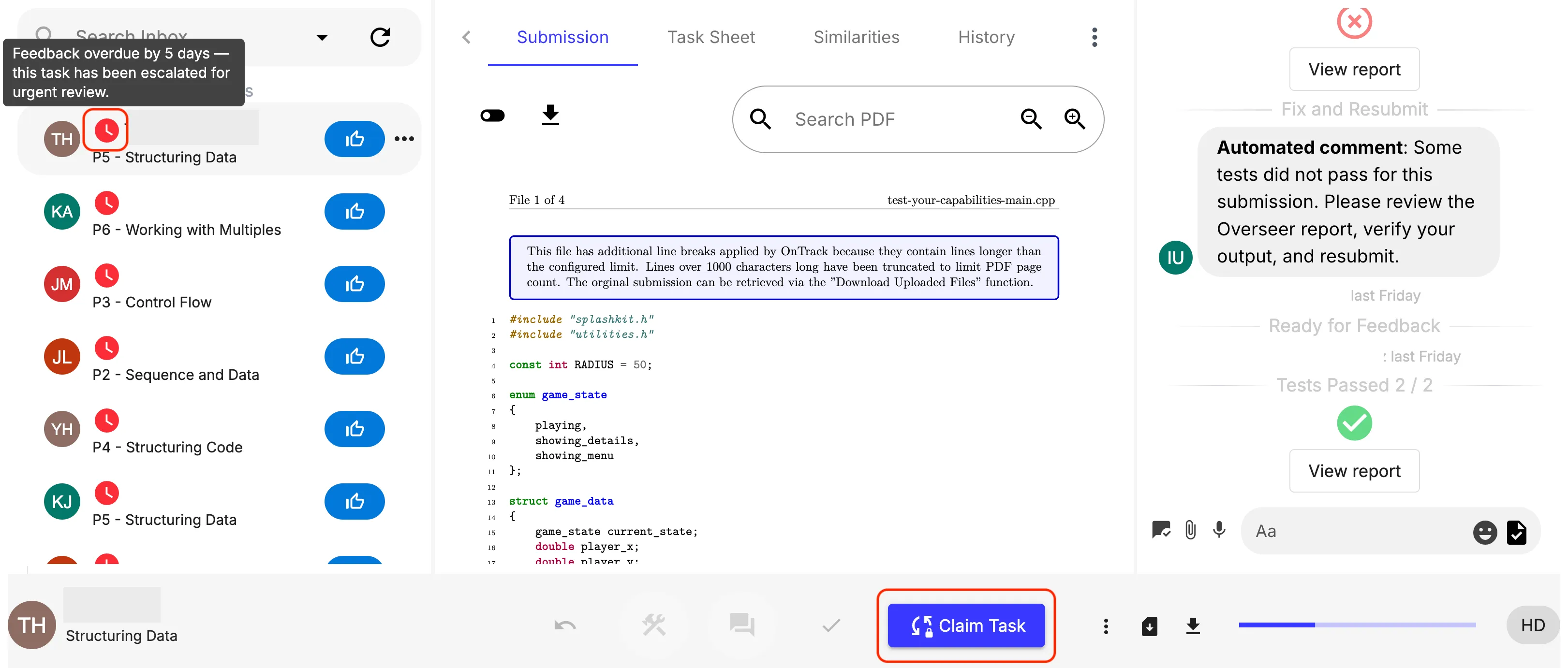
- The task is locked to you for 30 minutes.
- If feedback is provided and submitted within 30 minutes, the task is complete.
- If 30 minutes elapse without feedback, the task unlocks and returns to the global pool.